
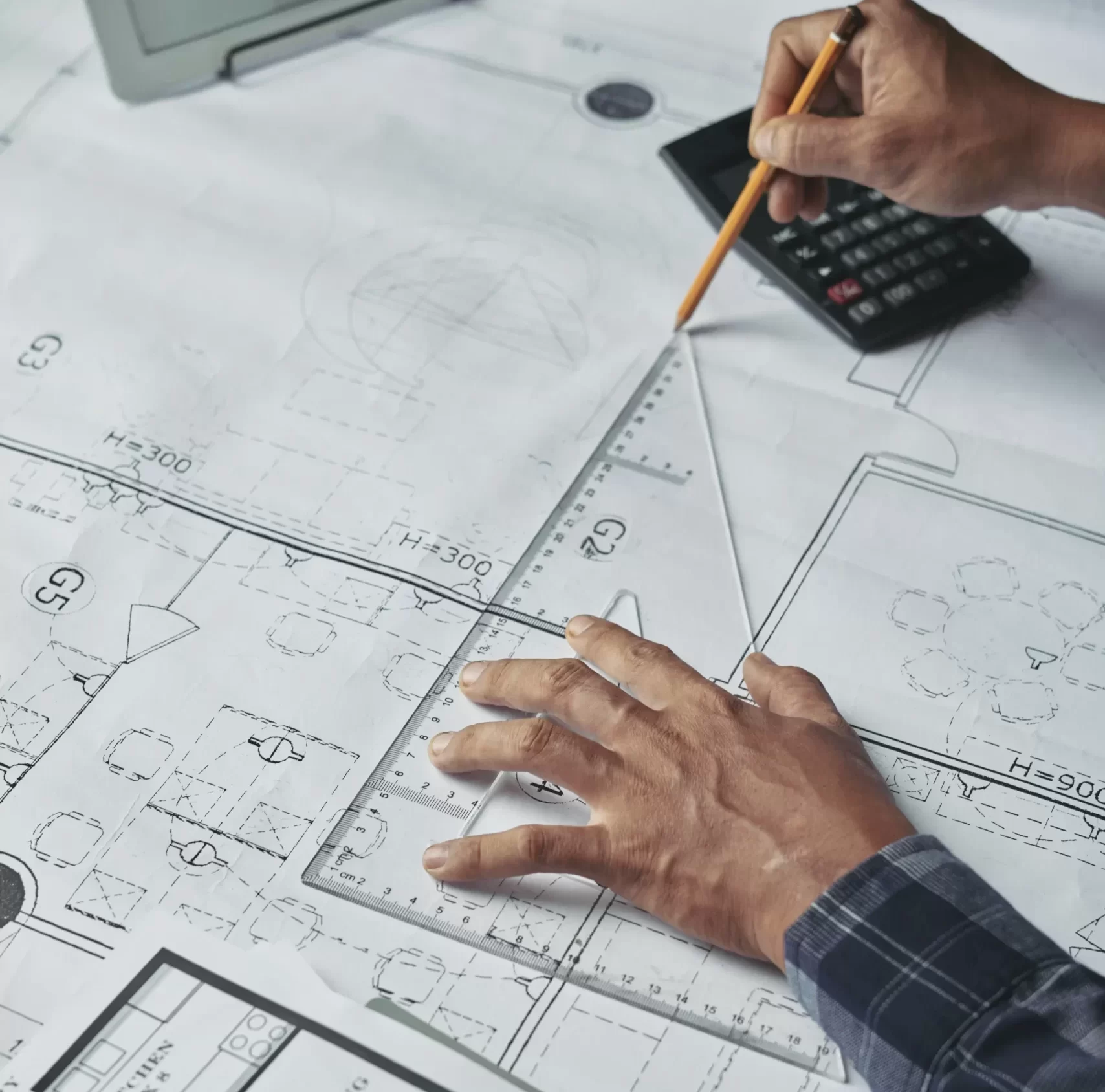
How CAD Drafting Helps Reduce Construction Rework and Errors
Construction rework is one of the most expensive problems in any building project. It happens when completed work must be corrected because of design mistakes, coordination issues, wrong dimensions, or missing technical details. Rework affects project budgets, delays schedules, increases material waste, and often creates conflicts between contractors and consultants.
One of the most effective ways to reduce rework is accurate CAD drafting. CAD drafting, or Computer-Aided Design drafting, converts design concepts into clear digital technical drawings that contractors can follow during construction. These drawings help every team understand dimensions, material placement, service routing, and construction details before site work begins.
In modern projects, CAD drafting is not only used to draw plans. It plays a critical role in reducing design errors, improving coordination, and helping teams identify problems before they become costly site issues. Studies and industry reviews consistently show that digital drafting improves dimensional accuracy, supports better collaboration, and reduces drawing-related mistakes compared with manual workflows. 
What Is CAD Drafting in Construction?
CAD drafting is the process of creating digital technical drawings for construction using software such as AutoCAD and other drafting platforms.
These drawings can include:
•floor plans
•elevations
•sections
•structural details
•MEP layouts
•shop drawings
•construction details
Unlike manual drafting, CAD drawings allow exact measurements, quick editing, layer control, and standardization.
This means if one dimension changes, the drawing can be updated accurately without redrawing the entire document.
That single advantage already reduces many common construction errors.
Why Construction Rework Happens So Often
Construction rework usually starts before construction begins.
Most rework comes from:
•incorrect dimensions
•conflicting drawings
•missing service clearances
•poor coordination between disciplines
•outdated revisions on site
•unclear installation details
For example, if a duct passes through a beam because drawings were not coordinated properly, site work stops until a correction is made.
That correction costs time and money.
Industry reviews show that drawing accuracy and coordinated documentation directly influence project efficiency and can reduce design-related delays significantly.
How CAD Drafting Reduces Errors Before Construction Starts
CAD drafting helps identify mistakes during design instead of during installation.
Before work starts, teams can review:
•exact dimensions
•levels
•alignment
•routing
•material positions
Because CAD drawings are digital, adjustments happen faster and with less risk of new errors.
A designer can detect if wall thickness affects a door opening or if a pipe route conflicts with slab depth before anything reaches site.
This is much cheaper than correcting after installation.
Better Dimension Accuracy in Every Drawing
One major reason CAD drafting reduces rework is dimension precision.
CAD tools allow drafting at millimeter-level accuracy.
This matters because even small dimension mistakes can create large site problems.
For example:
A wall drawn incorrectly by only 20 mm may affect:
•ceiling grid alignment
•door frame installation
•furniture placement
•electrical point locations
Digital drafting reduces these dimension mismatches.
Modern CAD tools are specifically valued because they maintain dimensional consistency across full drawing sets. 
Faster Revision Control Prevents Site Confusion
Construction projects change frequently.
Architectural layouts may change.
Equipment may shift.
Authority comments may require revisions.
Manual drafting makes revisions risky because multiple sheets may remain inconsistent.
CAD drafting solves this by allowing faster controlled updates.
When one drawing changes:
•related layouts update
•dimensions stay aligned
•new revisions can be issued clearly
This prevents contractors from working with outdated information.
CAD Drafting Improves Coordination Between Disciplines
Construction drawings involve many systems:
•architecture
•structure
•HVAC
•electrical
•plumbing
•fire protection
Each discipline creates separate drawings.
Without proper drafting coordination, systems overlap.
CAD drafting helps combine these systems clearly using layers and references.
This helps teams see:
•where ducts cross beams
•where cable trays compete for ceiling space
•where plumbing slopes affect slab openings
This reduces clashes before installation.
CAD Drafting Supports Clear Shop Drawings
Design drawings are often not enough for site installation.
Shop drawings are needed for actual construction.
CAD drafting creates shop drawings that include:
•exact measurements
•installation levels
•fixing details
•section views
•material references
Without shop drawings, contractors often guess dimensions.
That leads directly to rework.
Comparison Table: Manual Drafting vs CAD Drafting in Error Prevention

CAD Drafting Helps Visualize Problems Earlier
One major advantage is visibility.
CAD drawings make problems easier to understand before site execution.
Teams can review:
•section cuts
•enlarged details
•connection points
•service clearances
This helps avoid site surprises.
For example:
A staircase may look correct in plan view but fail in section if headroom is insufficient.
CAD makes such issues visible earlier.
Reduced Material Waste Through Accurate Drafting
Rework often means wasted material.
Wrong dimensions lead to:
•extra steel cutting
•wasted duct fabrication
•incorrect pipe lengths
•re-purchased materials
Accurate CAD drafting reduces fabrication mistakes because measurements are exact.
This improves cost control.
Construction documentation studies repeatedly show that detailed digital drafting reduces avoidable material loss during execution.
Why Contractors Depend on CAD Drawings During Execution
On site, contractors need clear instructions.
CAD drawings help contractors know:
•where to install
•how much space exists
•what level to maintain
•what sequence to follow
Without clear drafting, teams make assumptions.
Assumptions create errors.
CAD Drafting and BIM Together Reduce Rework Further
Today many projects combine CAD with BIM.
CAD gives detailed drawings.
BIM adds:
•3D coordination
•clash detection
•model-based review
CAD still remains essential because BIM output still needs drawing-level documentation.
Modern workflows increasingly use CAD as the foundation for BIM coordination and drawing production.
Common Construction Errors CAD Drafting Helps Prevent
CAD drafting helps avoid:
•wrong opening sizes
•beam clashes
•equipment clearance issues
•slab penetration mistakes
•ceiling congestion
•service overlap
•wrong panel placement
These are among the most common site corrections in commercial projects.
Why Accurate CAD Drafting Matters More in Large Projects
In large buildings:
•more systems
•more contractors
•more approvals
•more revision cycles
That means small drawing mistakes multiply quickly.
Large projects depend heavily on drafting discipline.
CAD Drafting in Today’s Construction Environment
Modern drafting now includes:
•cloud collaboration
•layered discipline control
•digital review workflows
•automated standards
Recent engineering research also highlights growing integration between CAD, automation, and AI-assisted checking in design workflows.
Conclusion
CAD drafting reduces construction rework by improving drawing accuracy, strengthening coordination, and making technical details clear before site execution.
Instead of solving problems after installation, project teams can identify issues earlier and avoid unnecessary corrections.
For contractors, consultants, and engineers, accurate digital drafting is no longer just a drawing method- it is a practical way to reduce delays, material waste, and costly site errors. For projects that require precise documentation and smoother execution, professional cad drafting services in qatar help ensure drawings are clear, coordinated, and ready for construction use.




4 Comments
bdcpc88
March 19, 2026
Really impressed with the customer support and how fast the transactions are processed. Everything is professional and transparent. Love bdcpc88!
brnnbet42
March 19, 2026
I’ve tried a few sites lately and this one really stands out. The interface is smooth and the payouts are surprisingly fast. Definitely my new go-to spot. Check it out at brnnbet42
inyono789
March 19, 2026
The bonus options here are insane. I managed to hit a decent streak last night thanks to the promotions. You should give inyono789 a shot!
br16betcom
March 19, 2026
A really solid platform with a great selection of bets. Everything feels secure and the user experience is spot on br16betcom