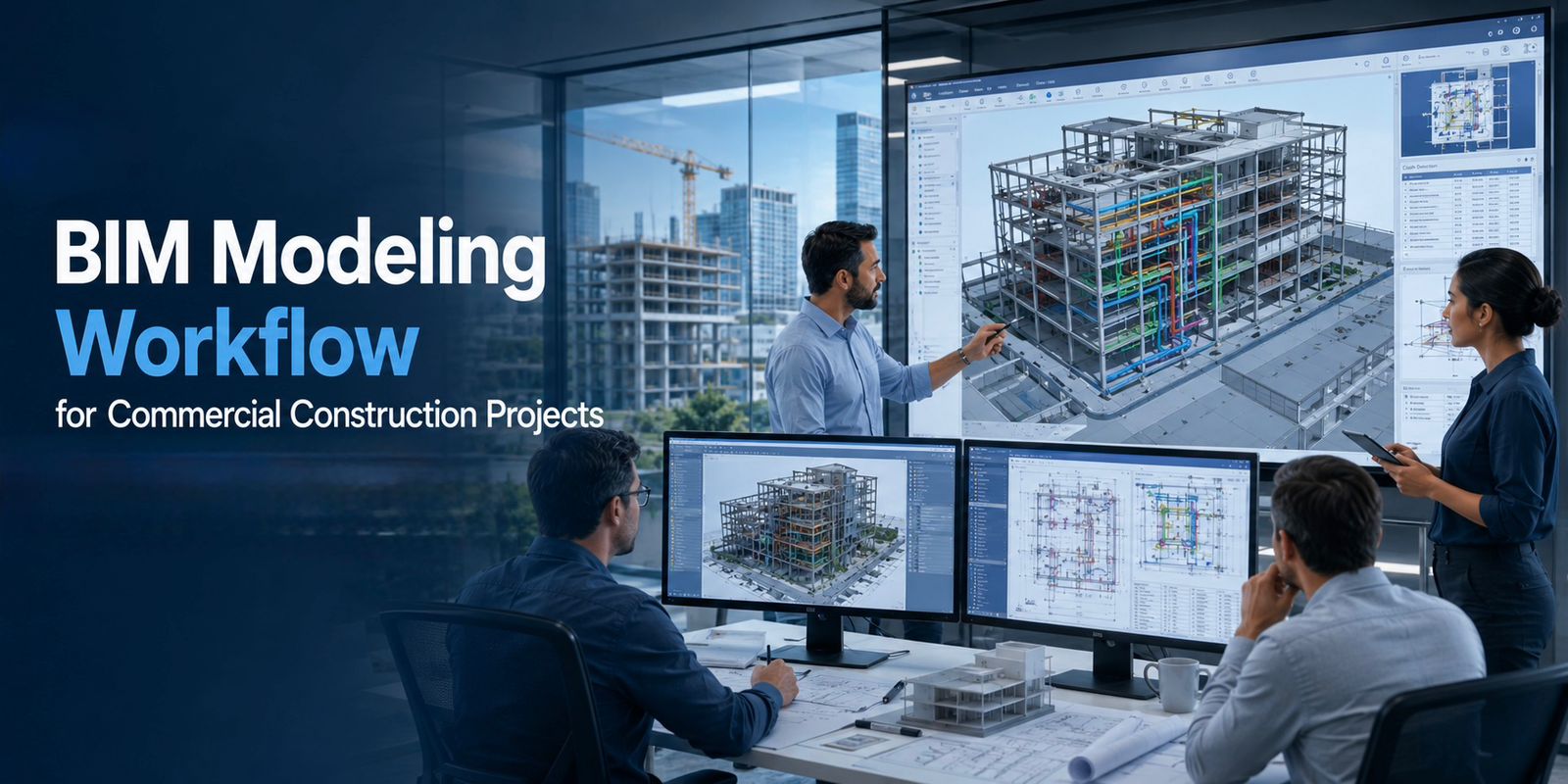
BIM Modeling Workflow for Commercial Construction Projects
Commercial construction projects are becoming more complex than ever. Modern buildings contain extensive architectural elements, structural systems, HVAC networks, electrical infrastructure, plumbing systems, fire protection services, and smart building technologies. Managing all these components efficiently requires more than traditional design methods.
This is where Building Information Modeling (BIM) plays a critical role.
BIM modeling has transformed the way commercial construction projects are planned, designed, coordinated, and managed. Rather than working with separate 2D drawings, project teams can collaborate within a shared digital model that improves accuracy, reduces clashes, and supports better decision-making throughout the project lifecycle.
However, successful BIM implementation depends on following a structured workflow. Without a clear BIM workflow, projects can experience coordination issues, inconsistent models, and missed opportunities for efficiency.
This guide explains the complete BIM modeling workflow for commercial construction projects, from project initiation to facility management, and why BIM has become a standard requirement in modern construction.
What Is BIM Modeling?
Building Information Modeling (BIM) is a digital process used to create and manage detailed information about a building throughout its lifecycle.
Unlike traditional CAD drawings, BIM models contain both graphical and data-rich information, including:
- Building geometry
- Material specifications
- Equipment data
- System relationships
- Construction sequencing information
- Facility management information
A BIM model acts as a centralized source of project information that can be accessed by architects, engineers, contractors, consultants, and facility managers.
The primary goal of BIM is to improve collaboration, reduce errors, and increase project efficiency.
Why BIM Is Important for Commercial Construction Projects
Commercial buildings typically involve multiple disciplines working simultaneously.
These may include:
- Architects
- Structural engineers
- MEP engineers
- Quantity surveyors
- Contractors
- Facility management teams
Without proper coordination, conflicts between disciplines can result in:
- Construction delays
- Cost overruns
- Rework
- Approval issues
- Operational inefficiencies
BIM helps solve these challenges by providing a coordinated digital environment where all project stakeholders work from the same information.
Key benefits include:
- Improved coordination
- Clash detection
- Better visualization
- More accurate quantity takeoffs
- Faster decision-making
- Reduced construction risk
- Enhanced facility management
Step 1: Project Requirements and BIM Planning
Every successful BIM workflow begins with planning.
Before modeling starts, project teams must establish clear BIM objectives.
This stage typically includes:
Defining Project Goals
Examples include:
- Clash-free coordination
- Quantity extraction
- Construction sequencing
- Facility management integration
- Sustainability analysis
Establishing BIM Execution Plan (BEP)
The BIM Execution Plan defines:
- Project standards
- Model responsibilities
- Naming conventions
- File management procedures
- Coordination workflows
A well-developed BEP ensures consistency across all disciplines throughout the project.
Step 2: Create the Architectural BIM Model
The architectural model is usually the first model developed.
It establishes the building’s overall layout and spatial arrangement.
The architectural BIM model typically includes:
- Floor plans
- Walls
- Doors
- Windows
- Ceilings
- Room layouts
- Building envelope
- Finishing elements
At this stage, designers focus on defining building geometry and functionality.
The architectural model becomes the foundation for all other disciplines.
Step 3: Develop the Structural BIM Model
Once the architectural layout is established, structural engineers begin creating the structural BIM model.
This model includes:
- Foundations
- Columns
- Beams
- Slabs
- Structural framing
- Reinforcement details
- Load-bearing elements
The structural model must align precisely with architectural requirements.
Coordination between architectural and structural teams is essential to avoid conflicts later in the project.
Step 4: Create MEP BIM Models
MEP systems are often the most complex components of a commercial building.
Separate BIM models are typically created for:
Mechanical Systems
Including:
- HVAC ducts
- Chillers
- AHUs
- FCUs
- Ventilation systems
- Chilled water piping
Electrical Systems
Including:
- Cable trays
- Lighting systems
- Power distribution
- Panels
- Emergency systems
- Low-voltage systems
Plumbing Systems
Including:
- Water supply systems
- Drainage systems
- Stormwater systems
- Sanitary systems
- Fire protection piping
These systems must fit within limited building space while maintaining performance and accessibility requirements.
Step 5: Model Coordination and Clash Detection
One of BIM’s most valuable functions is coordination.
At this stage, architectural, structural, and MEP models are combined into a federated model.
Specialized software is used to identify clashes such as:
Hard Clashes
Physical intersections between components.
Examples:
- Ducts passing through beams
- Pipes colliding with cable trays
Soft Clashes
Required clearance zones are violated.
Examples:
- Insufficient maintenance access
- Service clearance violations
Workflow Clashes
Installation sequences become impractical.
Early clash detection helps eliminate costly field modifications during construction.
Step 6: BIM Review and Design Optimization
After clashes are identified, teams work together to resolve issues.
Design reviews focus on:
- Space optimization
- System routing improvements
- Equipment accessibility
- Code compliance
- Constructability
The goal is not only to eliminate clashes but also to improve overall building performance.
At this stage, BIM enables stakeholders to visualize design solutions before construction begins.
Step 7: Quantity Takeoff and Cost Estimation
Modern BIM workflows support automated quantity extraction.
Project teams can generate:
- Material quantities
- Equipment schedules
- Area calculations
- BOQs
- Procurement data
Benefits include:
- Improved estimating accuracy
- Faster quantity verification
- Better budget control
- Reduced manual calculation errors
For commercial projects, accurate quantities are critical for financial planning and procurement management.
Step 8: Construction Documentation
Once coordination is complete, BIM models are used to generate construction documents.
These include:
- Shop drawings
- Coordination drawings
- Installation details
- Fabrication drawings
- Construction plans
Because drawings are generated directly from coordinated models, documentation accuracy improves significantly.
This reduces RFIs and site conflicts during construction.
Step 9: 4D Construction Sequencing
Advanced BIM workflows incorporate time-based construction planning.
This is known as 4D BIM.
4D BIM links model components with project schedules.
Benefits include:
- Visual construction sequencing
- Improved site logistics planning
- Better resource allocation
- Early schedule risk identification
Project teams can simulate construction activities before work begins.
This improves planning and reduces project uncertainty.
Step 10: Construction Phase BIM Management
BIM continues to provide value during construction.
Teams use BIM for:
- Progress tracking
- Issue management
- Site coordination
- Change management
- Installation verification
Contractors can compare actual progress against planned schedules and identify issues earlier.
This improves project control throughout execution.
Step 11: As-Built BIM Modeling
Construction projects often undergo modifications during execution.
As-built BIM models capture actual installed conditions.
These models include:
- Updated dimensions
- Revised routing
- Equipment changes
- Field modifications
Accurate as-built models provide long-term value for building owners and facility managers.
Step 12: BIM for Facility Management
The BIM workflow does not end at project completion.
Facility management teams use BIM models for:
- Maintenance planning
- Asset tracking
- Space management
- Renovation planning
- Lifecycle management
Building owners gain access to accurate digital records that improve operational efficiency throughout the building’s lifespan.
Common Challenges in BIM Modeling Projects
Despite its benefits, BIM implementation can face challenges.
Common issues include:
- Poor model standards
- Inconsistent naming conventions
- Incomplete coordination
- Lack of BIM expertise
- Software interoperability issues
- Weak communication between disciplines
Successful BIM projects require strong workflows, experienced teams, and clear project standards.
Future Trends in BIM Modeling
The BIM industry continues to evolve rapidly.
Emerging trends include:
- Digital twins
- AI-assisted clash detection
- Cloud-based collaboration
- Automated model checking
- Reality capture integration
- IoT-connected building systems
These technologies are making BIM more powerful and valuable for commercial construction projects.
Conclusion
A successful BIM modeling workflow is much more than creating a 3D model. It is a structured process that connects design, coordination, construction, and facility management into a single digital environment. By following a well-defined workflow from BIM planning and multidisciplinary modeling to clash detection, quantity takeoff, construction sequencing, and as-built documentation commercial construction projects can improve coordination, reduce rework, control costs, and achieve better project outcomes. As construction continues to embrace digital transformation, organizations increasingly rely on the Best BIM Modeling Services in Qatar to deliver accurate models, streamlined collaboration, and long-term value throughout the building lifecycle.